
Overview & Goals
PriceMind is an AI-driven pricing automation platform for marketplace sellers. Its ML model analyzes demand, inventory, and seasonality, then recommends prices based on each seller’s goal — maximizing margin, increasing turnover, or clearing slow-moving stock.
Its primary users are small- and mid-sized sellers managing roughly 100–500 SKUs, many of whom still reprice products manually in spreadsheets.
Solo Product Designer working directly with the founder. I owned the end-to-end user flows and interface design while also helping define the product logic and domain rules behind them.
Pricing is one of the most influential factors for marketplace sellers, yet many still manage it manually in spreadsheets — missing signals that AI could process at scale.
Design an AI-driven pricing experience that sellers can understand, trust, and act on with confidence.
The engagement evolved through three phases as the prototype moved from a pre-sales tool into a product in development.
Phase 1
Scope Definition and First Prototype
Phase 2
Deeper definition of product logic
Phase 3
Designing within the implemented product
Phase 1: Scope definition and first prototype
Scope definition
The client's brief described a small MVP built around five core screens. But the expected design scope was much broader: user flows, wireframes, a UI kit, key states, high-fidelity screens, a clickable prototype, and developer handoff. During the brief discussion, I asked how the prototype would actually be used. That’s when the founder clarified that its immediate purpose was pre-sales: something he could show prospective customers before the product existed.
I have potential customers lined up for pre-orders. I'd present the clickable mockups to them to sell.
That changed what the design needed to prioritize. I proposed reducing the depth of the process to what the sales demo actually needed — keeping the core journey coherent while avoiding work that would not affect the purchase decision.
I used the existing visual system to move directly into high fidelity, focusing design effort on pricing logic, forecasts, and segment management instead of creating a new visual system. I still used paper wireframes for quick exploration of more complex problems.
I designed the states and flows needed for the product demo, leaving out standard or low-value workflows at this stage, such as detailed signup states.
Scope impact
My role as a contracted designer was to identify what the client actually needed to reach the business goal, not simply execute the initial deliverable list. My project management background helped me challenge the scope early and preserve only what the prototype needed for pre-sales.
First prototype
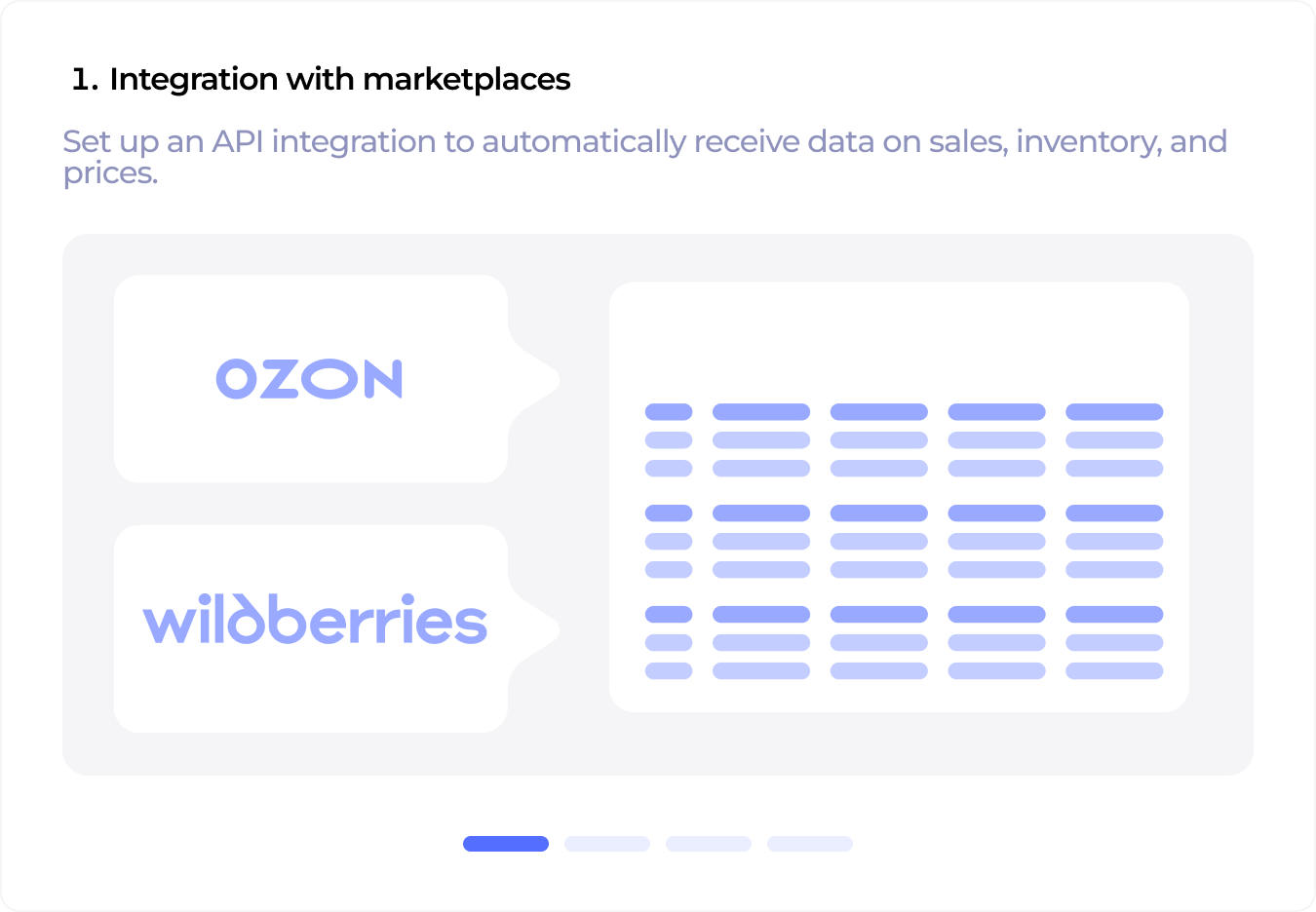
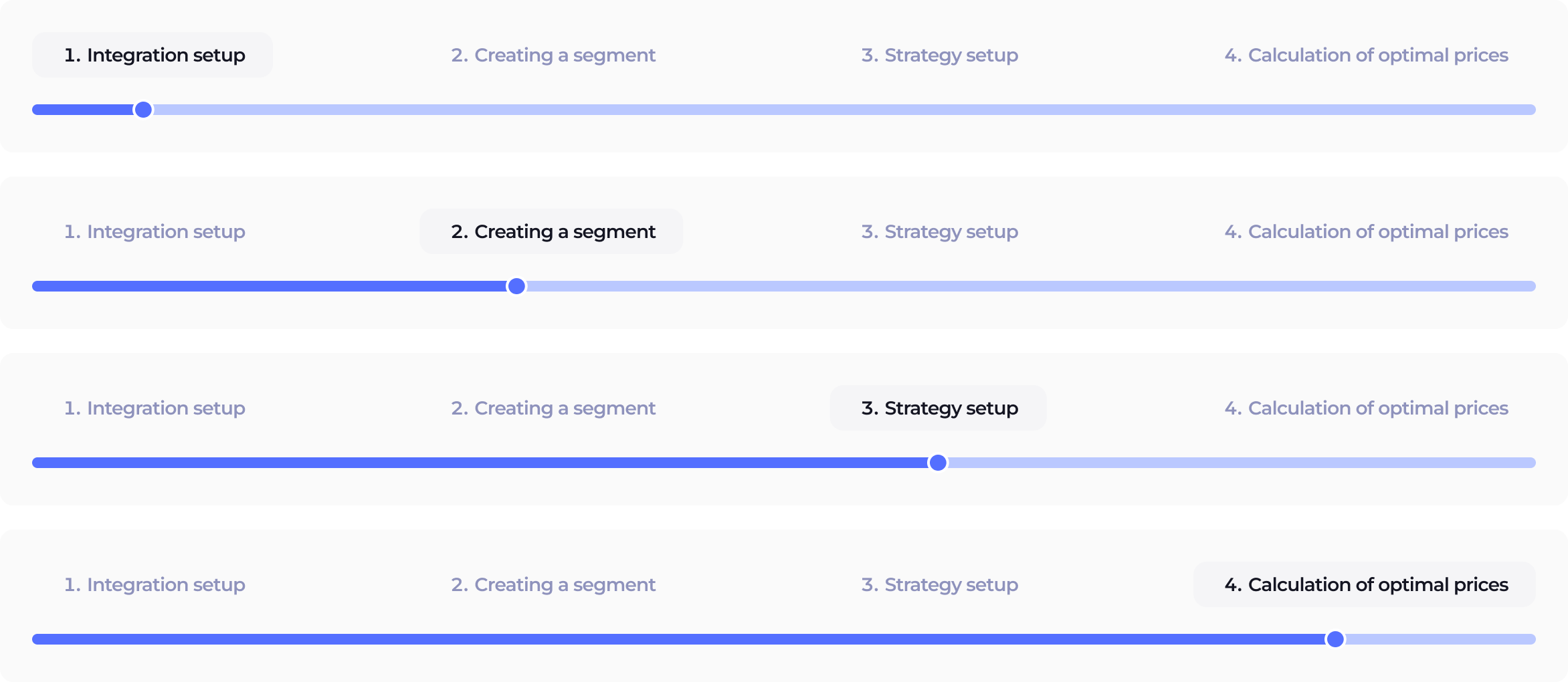
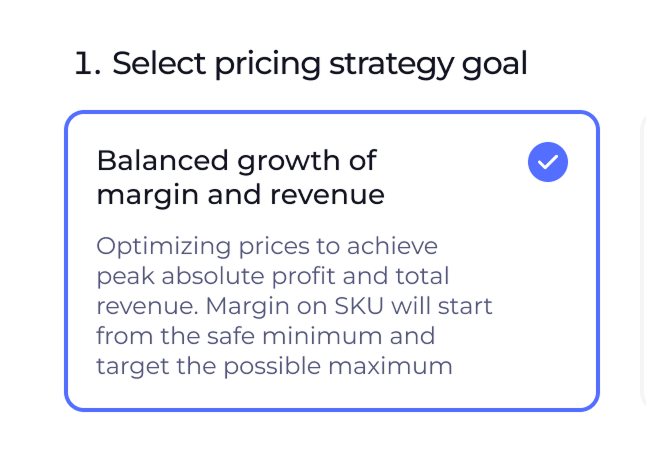
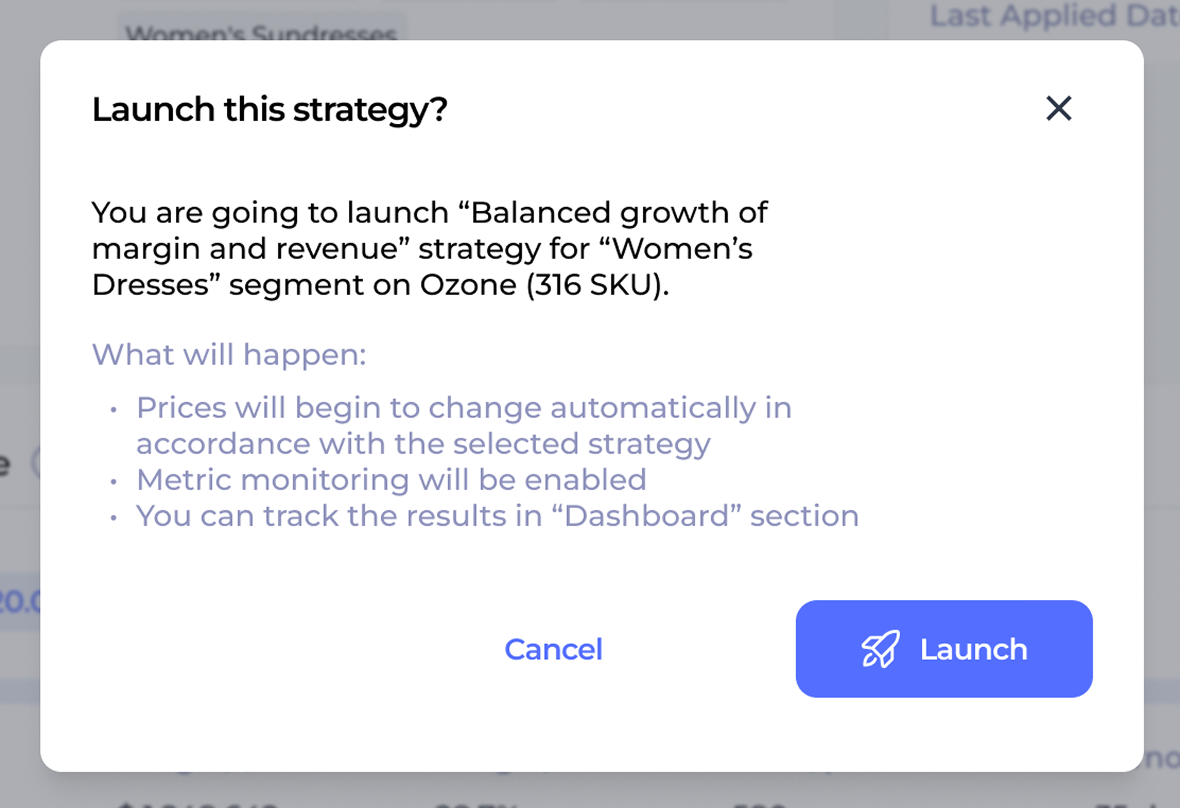
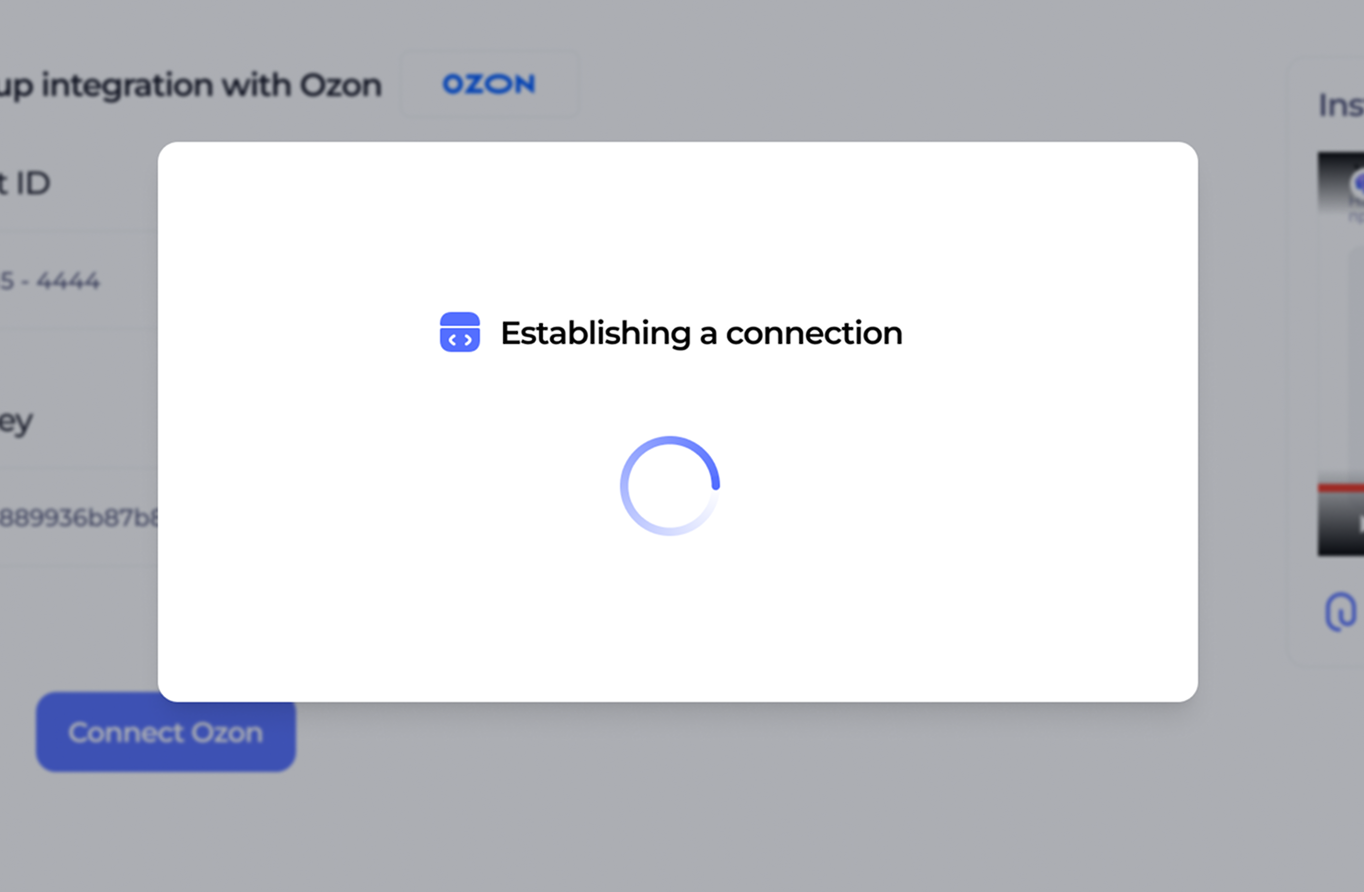
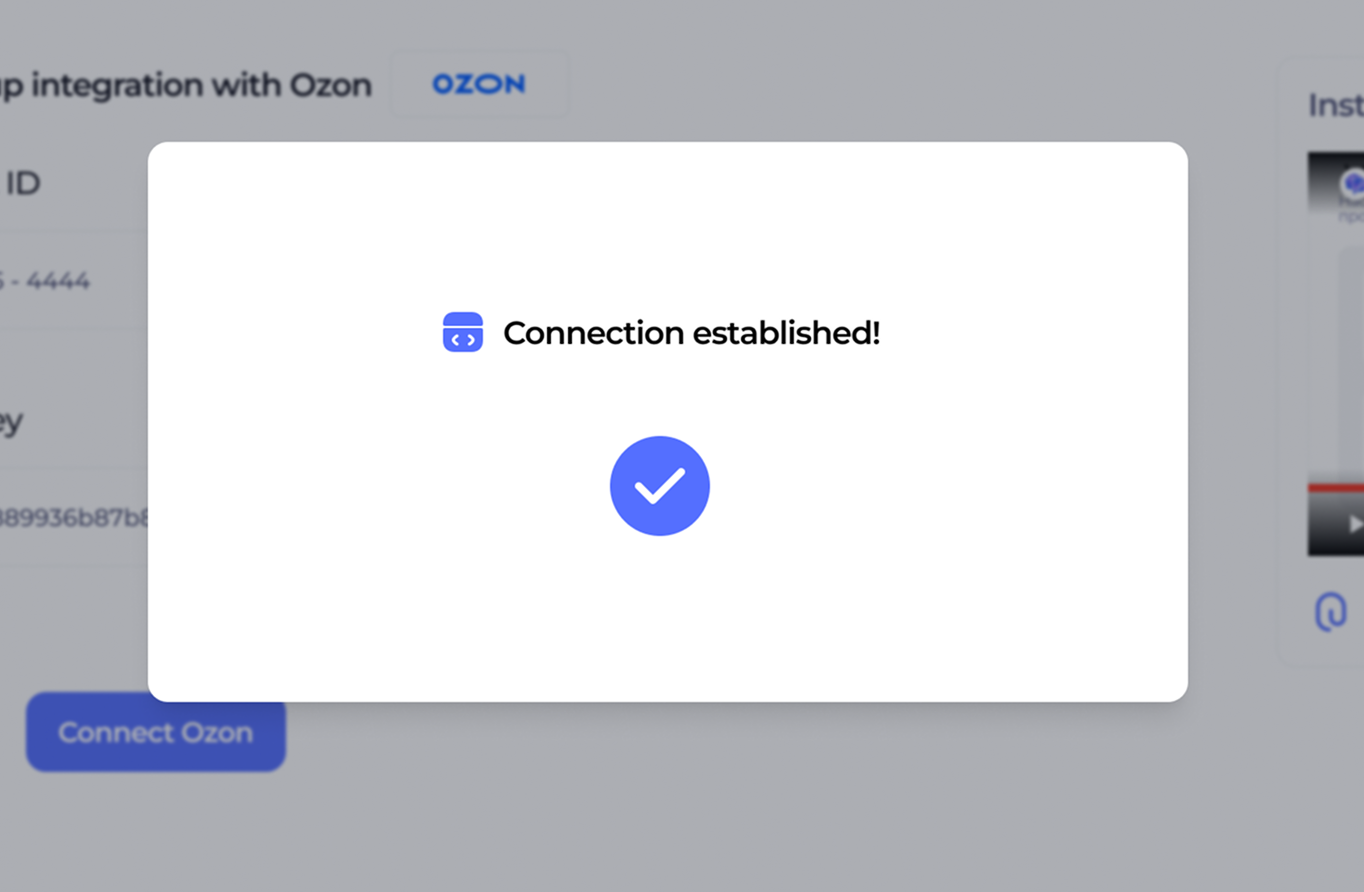
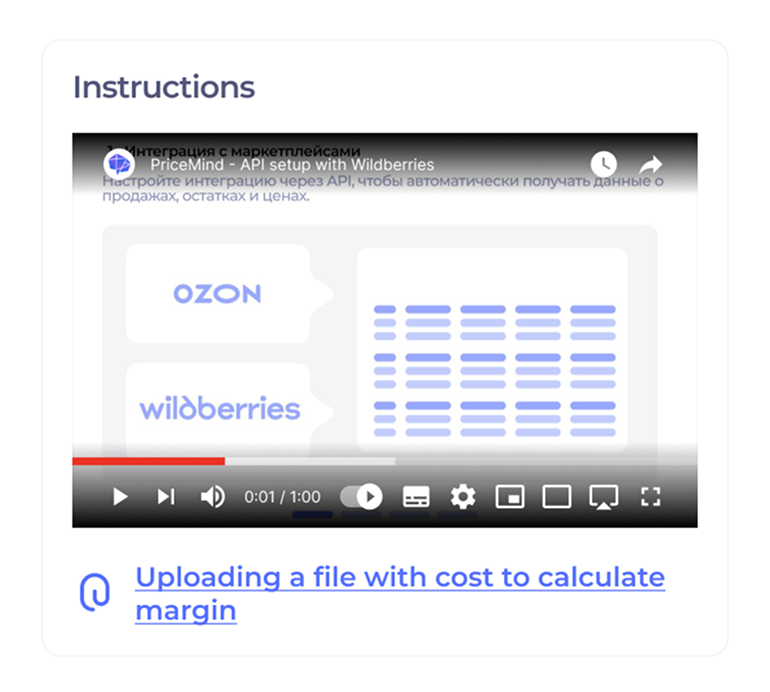
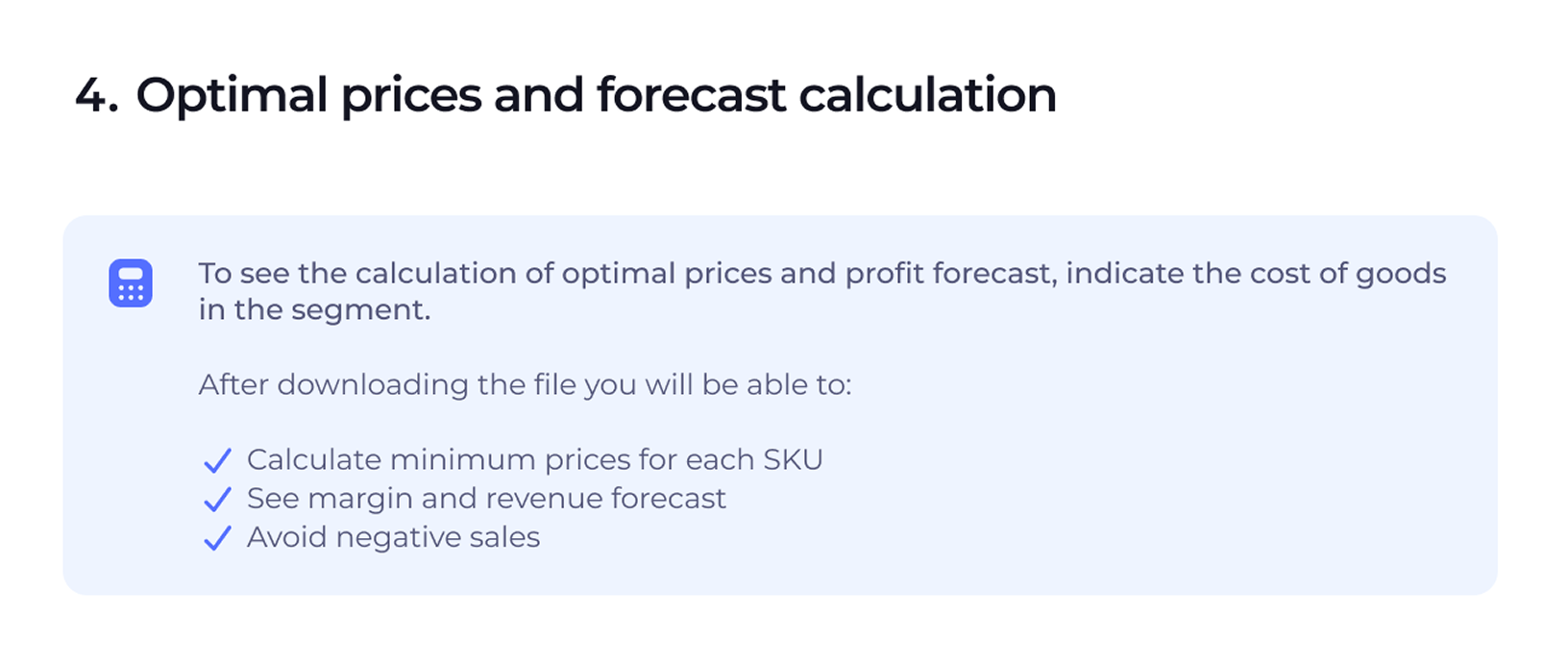
One of the main goals of the demo prototype was to show the onboarding flow, where users complete the initial system setup. This part of the experience answers many of the conceptual and technical questions prospective clients are likely to have:
By walking users through the initial setup, the prototype answers these questions in context. What could otherwise feel like an ambiguous onboarding process becomes transparent, structured, and easy to follow.
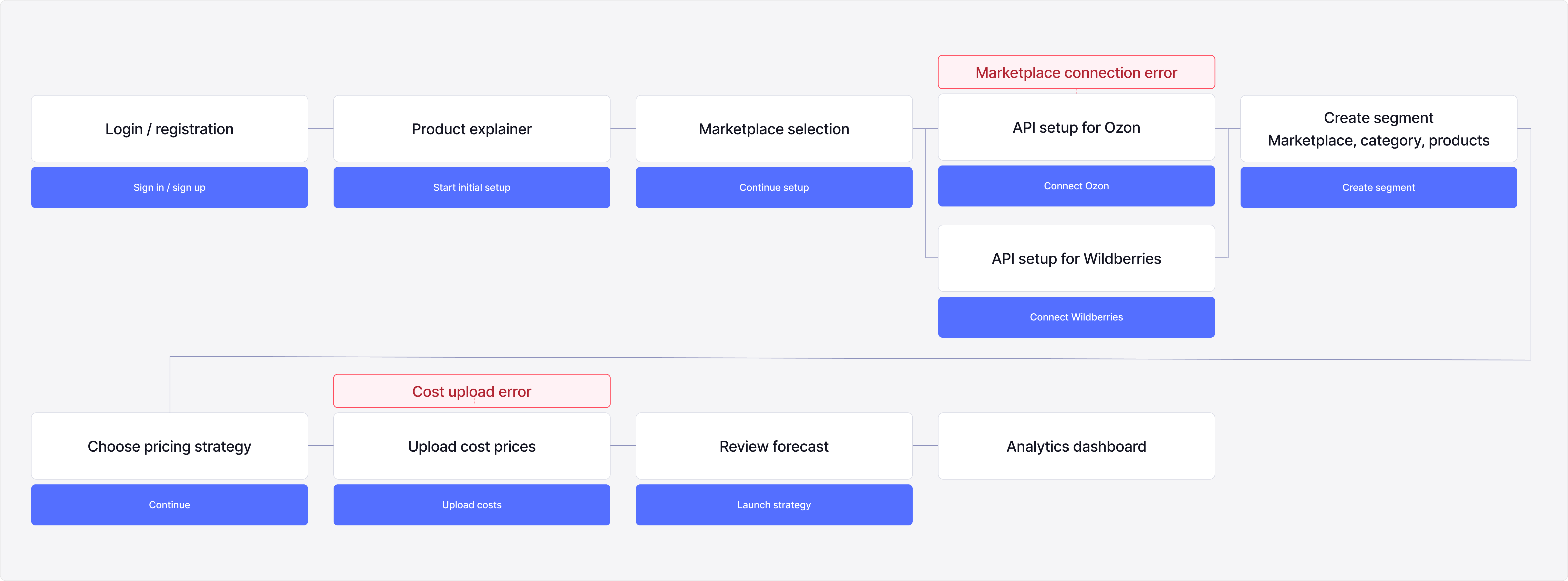
Setup involved sensitive actions like connecting accounts, sharing business data, and configuring automated pricing, so each step needed to explain what was happening and why.

Phase 2: Deeper definition of product logic
December 2025–April 2026. Designing changes to pricing already live on the marketplace.
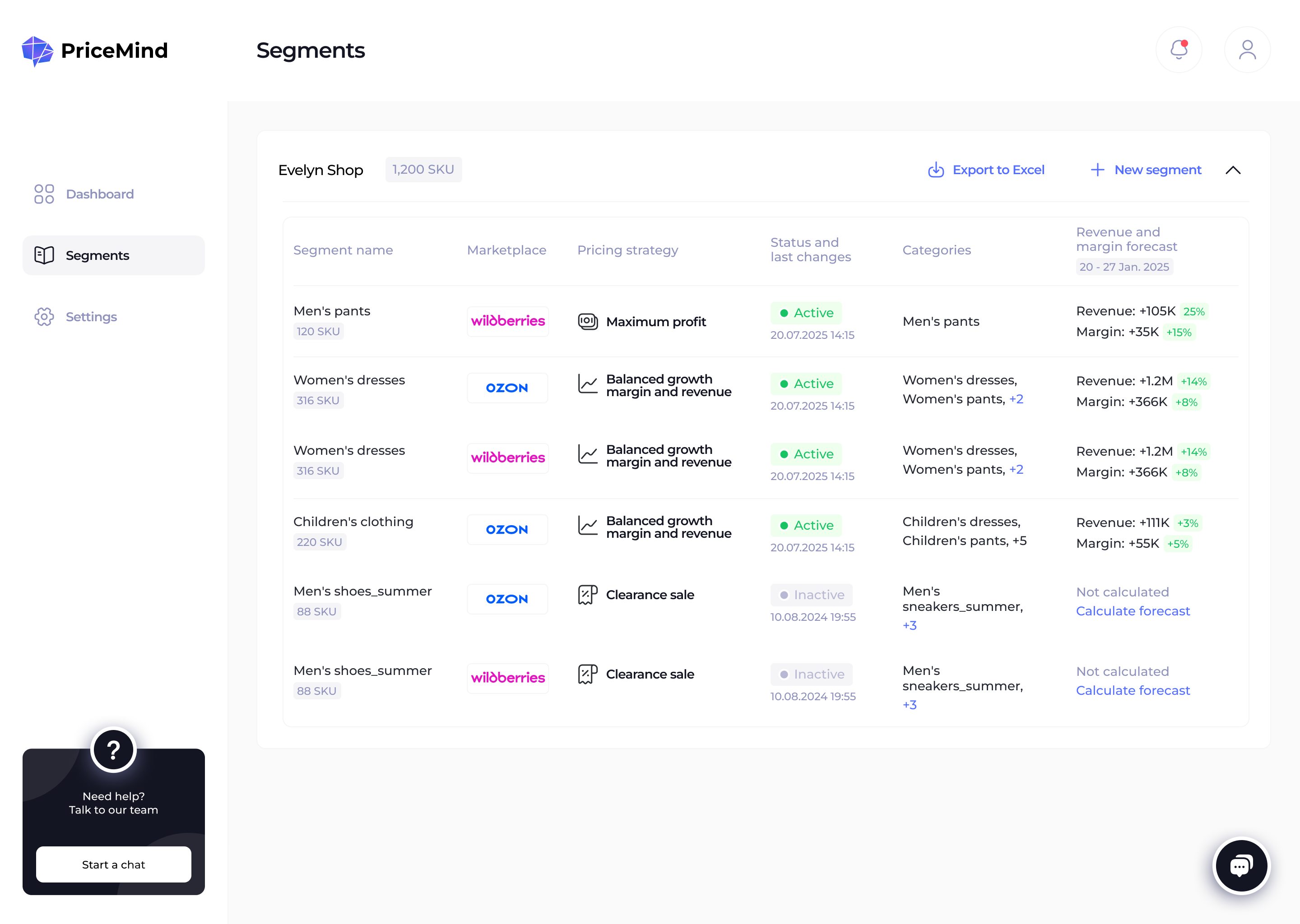
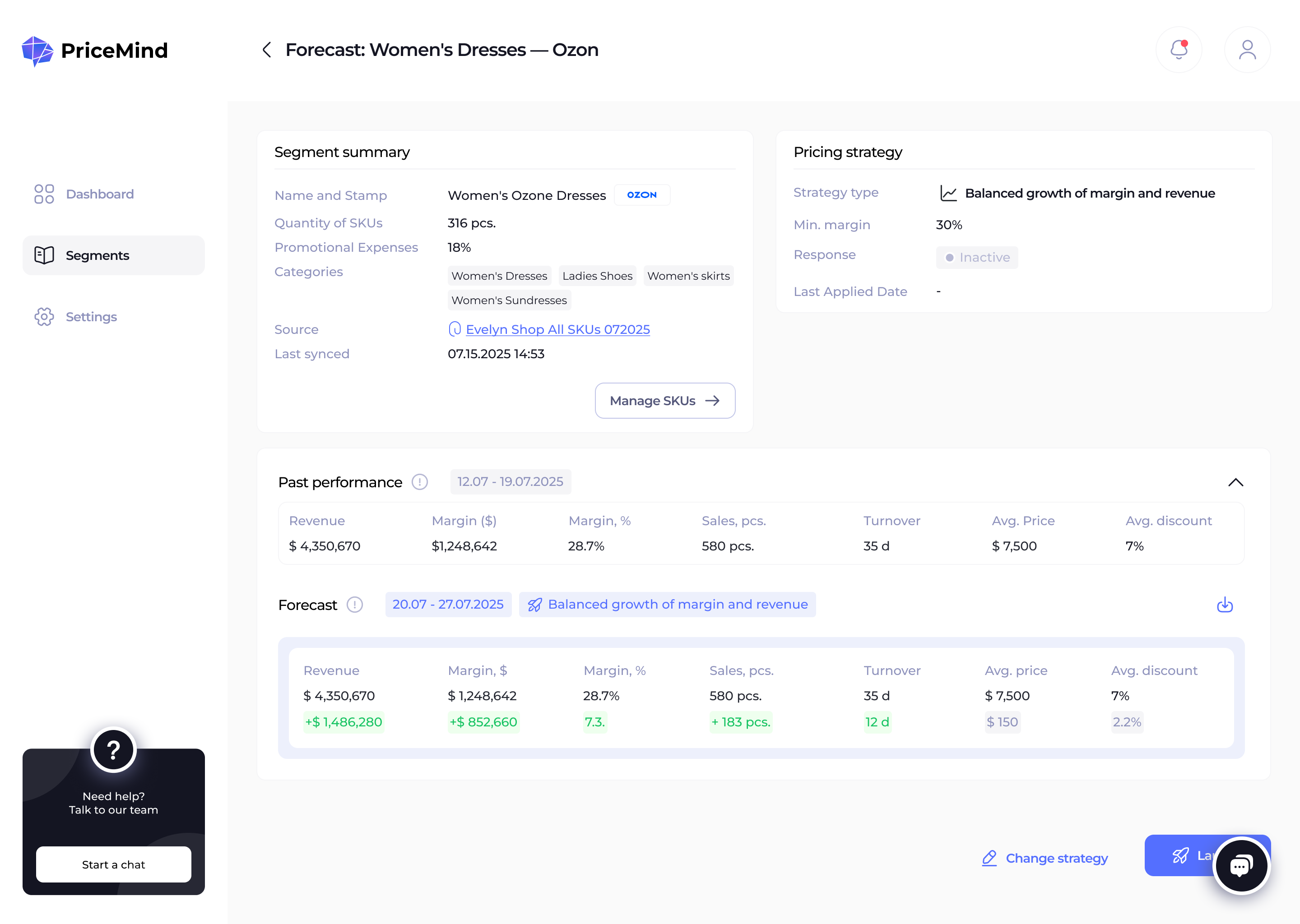
Five months after the first prototype, the founder returned after product development had started. The product now had a problem the pre-sales prototype never needed to solve: what happens when a seller wants to change a segment or pricing strategy after its prices are already live on the marketplace?
A pricing strategy was already live on the marketplace
The seller needed to change the segment or strategy
The product had no defined flow for editing a live strategy
What sellers could change while live pricing remained active
How to distinguish pending changes from the version currently live
How to communicate status, consequences, and next actions before publishing
Before designing new screens, I first had to define how segment and strategy management should work:
Can a segment have multiple strategies?
Can a new strategy be scheduled to launch in advance?
Can new SKUs be added to a segment with a live strategy?
Can automatically generated prices be manually adjusted at the SKU level?
When should prices be recalculated after a segment’s strategy changes?
At what point should updates be published to the marketplace?
I worked through these and many other questions with the founder, mapped the resulting flow, and used it to define the states and screens the product needed.
Phase 3: Designing within the implemented product
By the time the next set of product questions emerged, PriceMind had been in development for several months. The team had implemented the product using standard component libraries to move faster, so the live interface had evolved visually from my original designs. From this point on, I was designing against the product that actually existed — not the earlier prototype.
The most difficult scenario was editing a segment whose pricing strategy was already live. A seller could change the strategy settings in PriceMind while the previously calculated prices were still active on the marketplace. The interface had to make both states understandable at the same time.
The key rule was simple:
Pending edits should not affect live pricing until the seller explicitly publishes the update.
I created two working HTML alternatives in the current product UI, reviewed them with the founder, then refined the selected direction in Figma.
Reducing steps is often treated as a UX improvement, but here the opposite was safer. A pricing change could directly affect revenue and margin across hundreds of SKUs, so optimizing for speed alone would increase business risk.
Recalculation was also a technical requirement, but making it an explicit step improved transparency. Sellers could see when new strategy settings were used to generate a new forecast, rather than assuming that editing the settings had already changed the calculated prices. I structured the workflow as four explicit stages: change the strategy or settings, recalculate prices, review the result, and publish it to the marketplace. This gave sellers a chance to understand the consequences before anything went live — and exposed the need for a clear way to cancel pending changes if the result was not what they expected.
Change strategy or settings → Recalculate prices → Review → Publish
At every stage, the interface needed to make three things clear: what was currently live, what was still pending, and what the seller needed to do next.
After a seller changes the strategy settings, current marketplace prices remain unchanged. To make the pending state clear, I added:
A persistent warning banner with a Cancel changes rollback action
A Forecast not updated badge next to the forecast
A sticky Recalculate prices CTA that remains visible while the seller reviews the page.
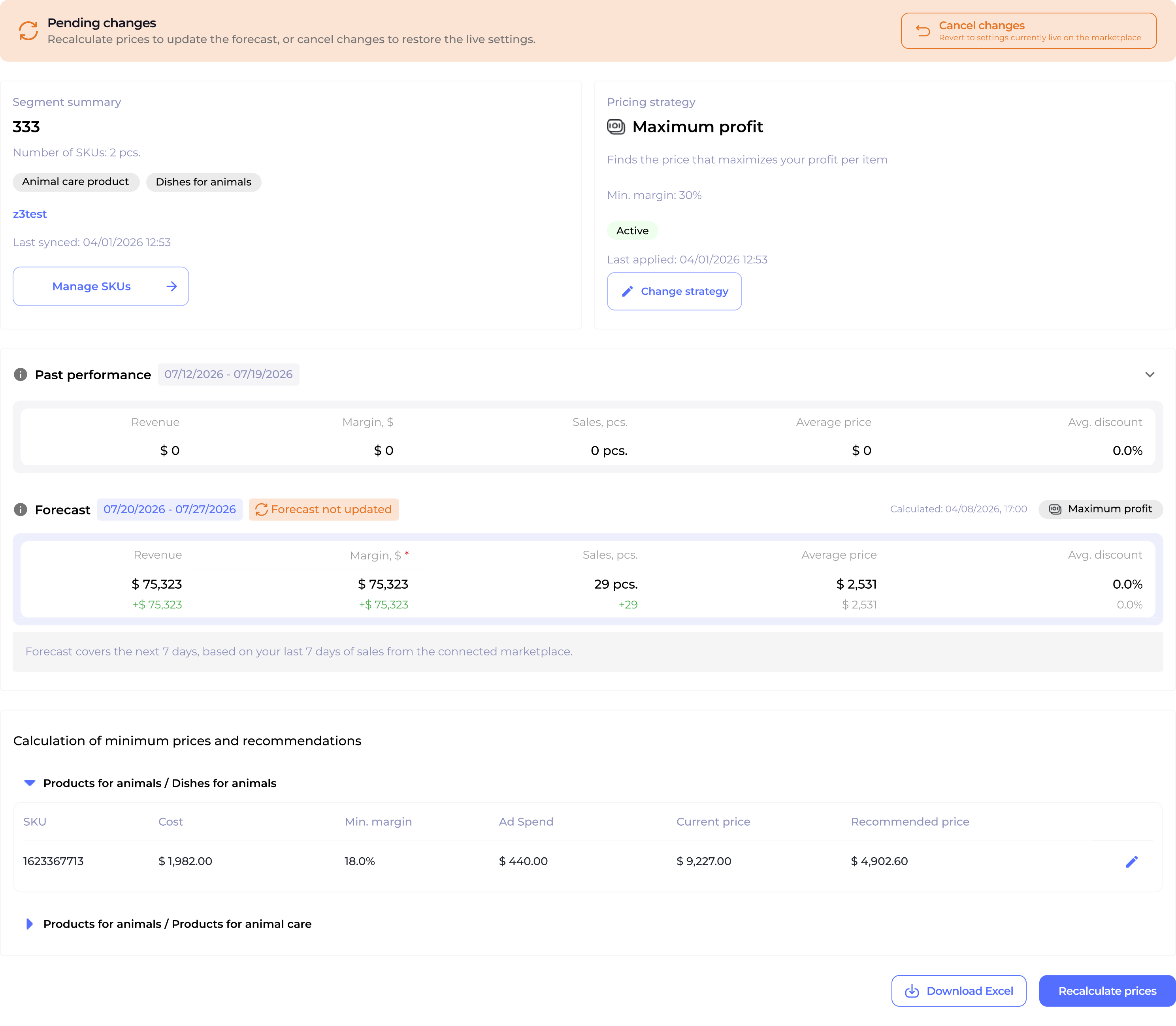
The Cancel changes action behaves differently depending on whether a live version already exists. Before the first publish, it returns to the previous local settings. Once a strategy has been published, it restores the settings currently live on the marketplace.
This remained a design recommendation rather than part of the implemented flow.
.png)
.png)
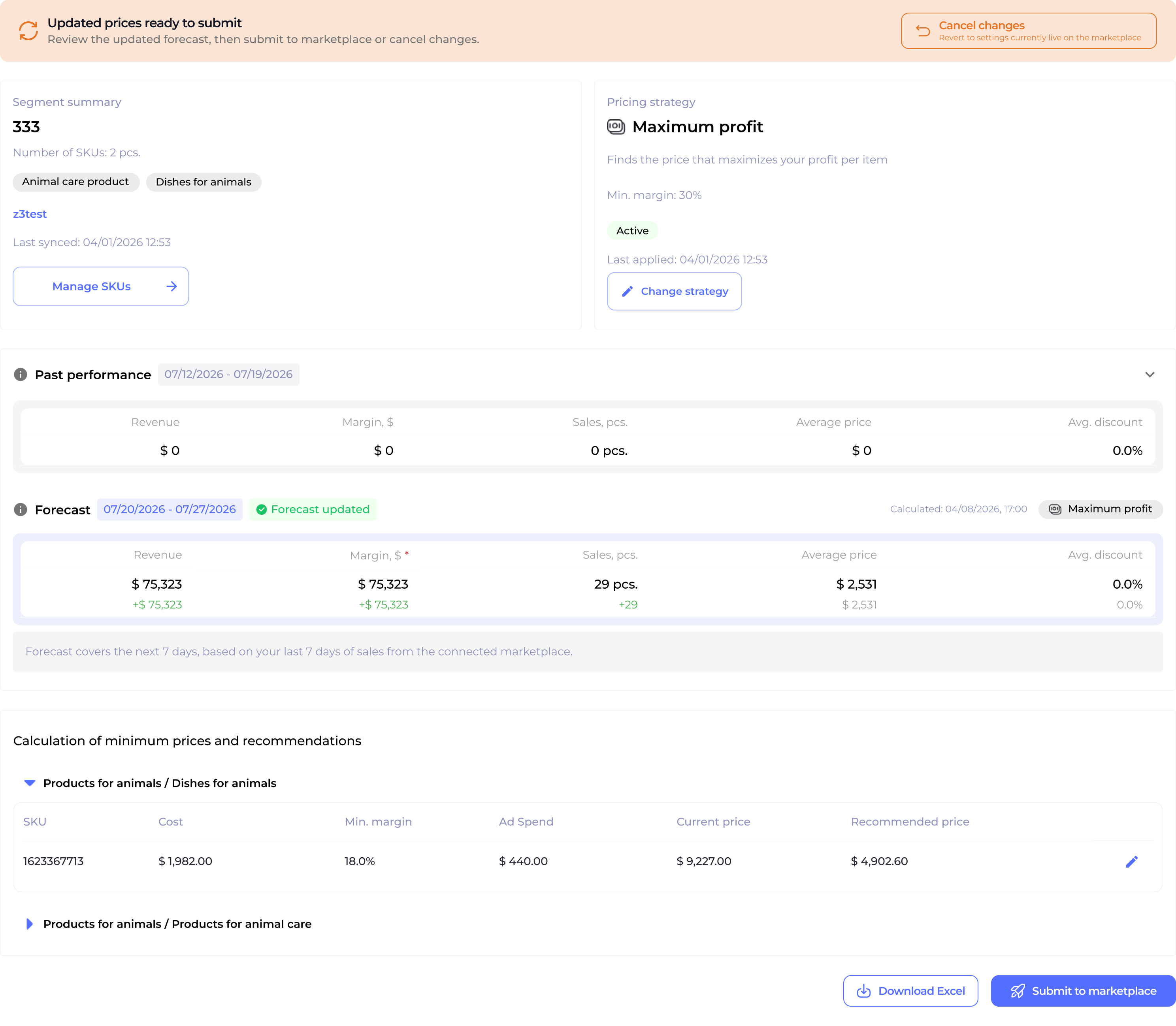
The forecast is now updated using the new strategy settings, while marketplace prices remain unchanged until the seller submits them. To make this state clear, I added:
A persistent status banner Updated prices are ready to submit, with a Cancel changes rollback action
A Forecast updated badge
A sticky Submit to marketplace CTA
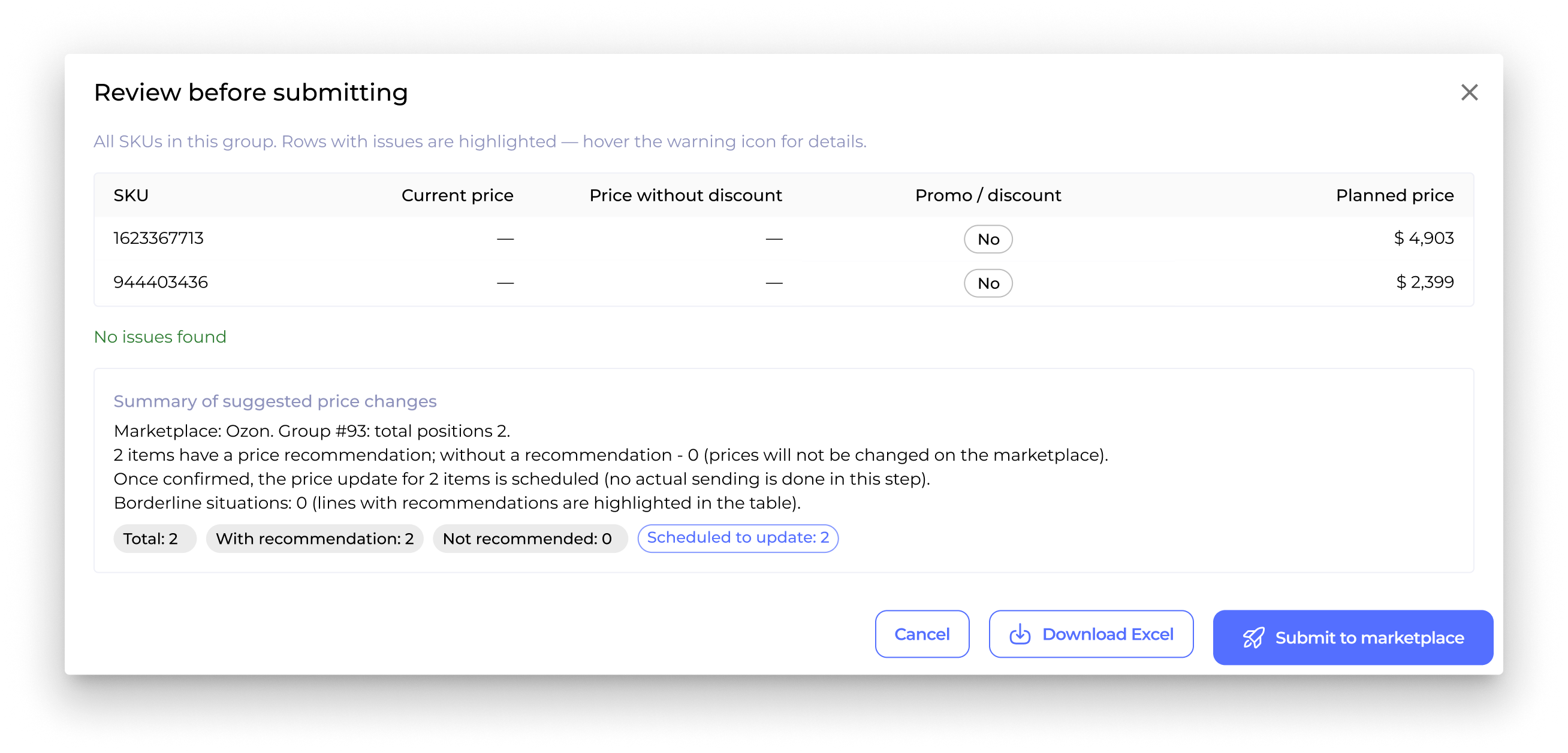
Before publication, sellers get a final checkpoint before anything is sent to the marketplace. I designed it to support both in-product review and more detailed spreadsheet workflows:
A SKU-level comparison of current and planned prices, including discount status
A clear outcome summary that flags issues, shows how many items will change or remain unchanged, and confirms that nothing is sent yet
An Excel export for sellers who prefer to inspect or work with pricing data in a spreadsheet before submitting
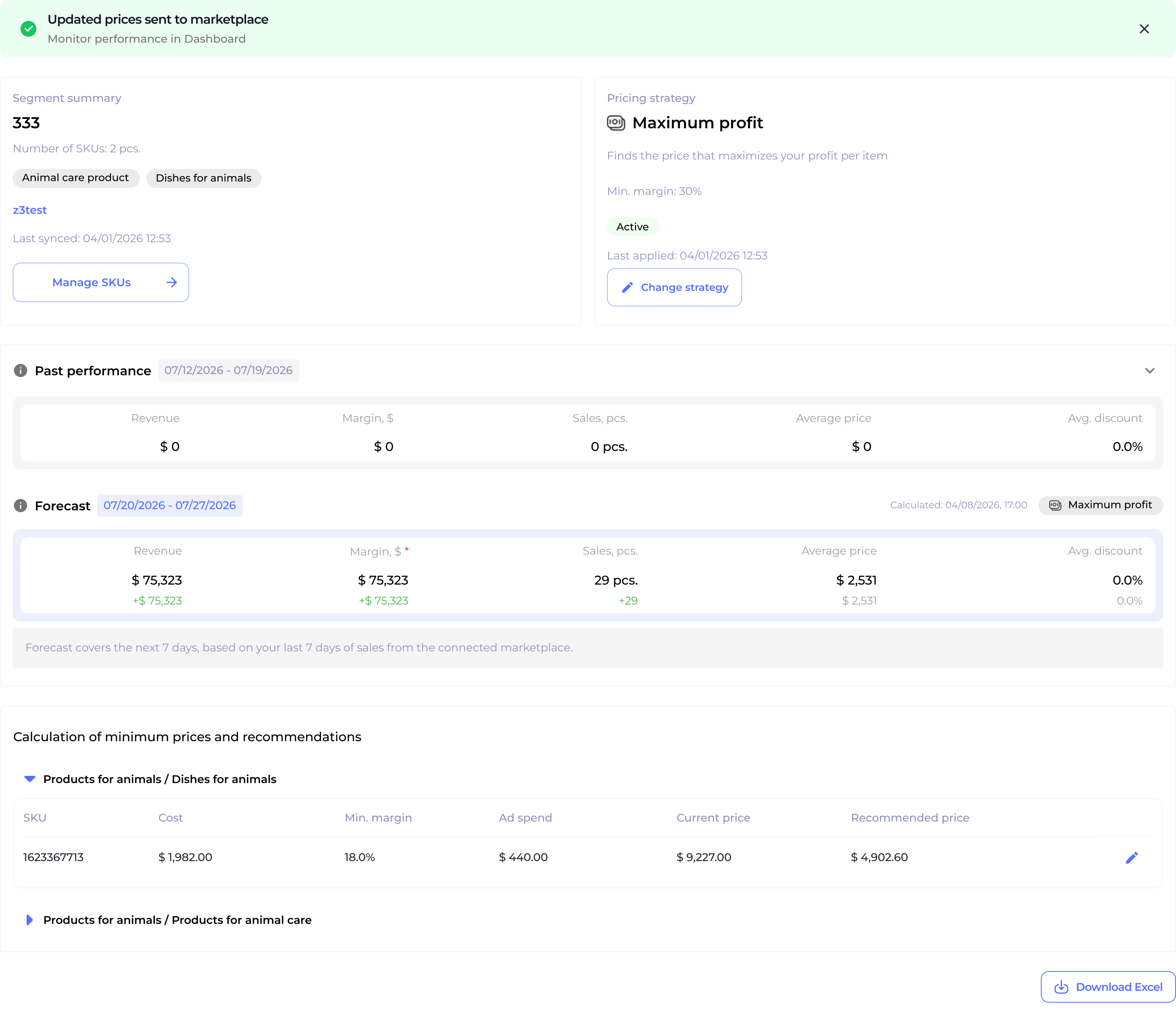
After review and confirmation, the recalculated prices are sent to the marketplace. A one-time dismissible success banner confirms the submission and resolves the pending-change state.
Project status
PriceMind is still in development and has not launched yet. The flows shown in this case were handed off and implemented, while the team continues working on the pricing calculation engine before going to market.
What began as a small pre-sales prototype grew into a year-long collaboration focused increasingly on product logic: how pricing strategies behave, how pending and live states are communicated, and how sellers stay in control before changes reach the marketplace.